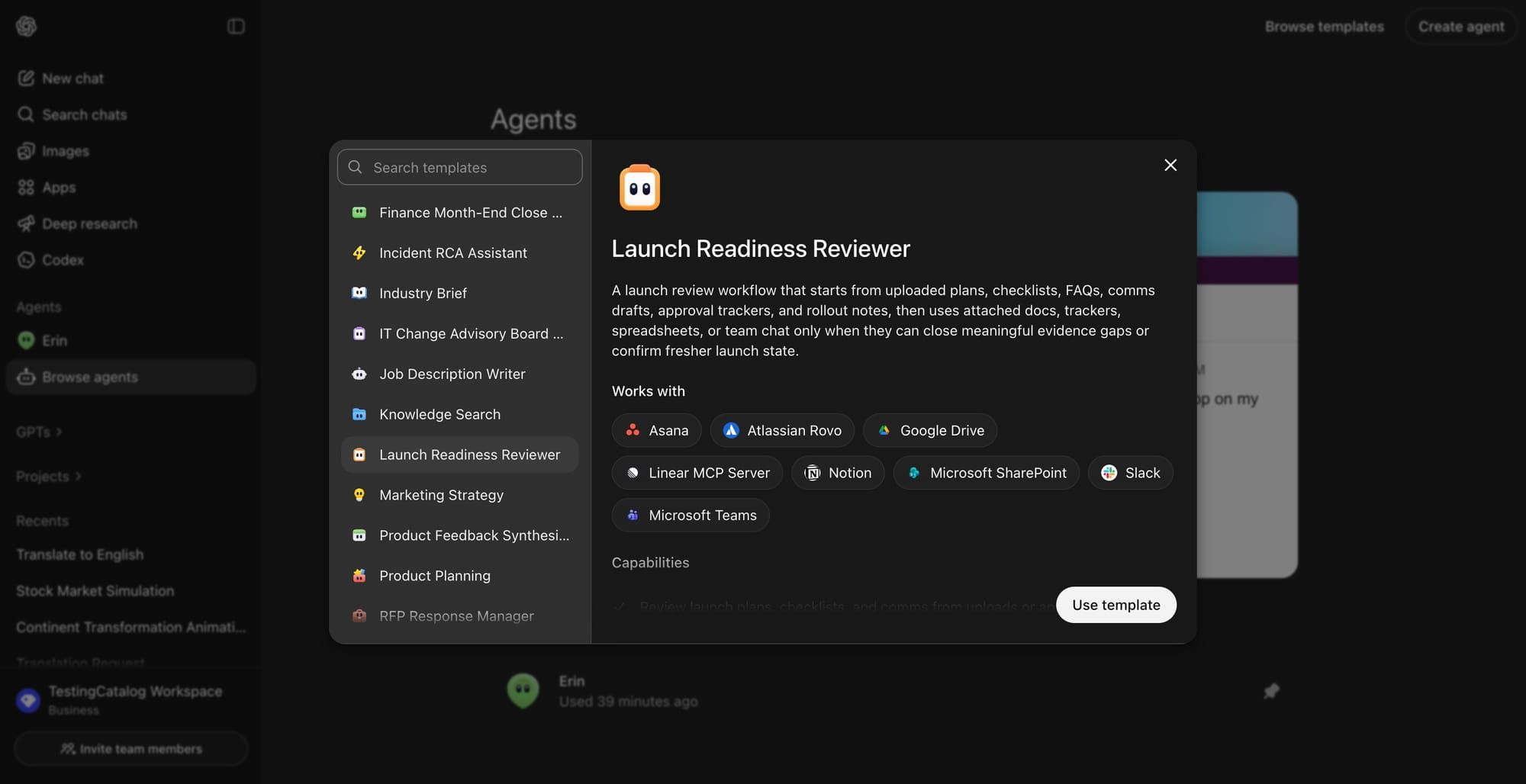
OpenAI launched ChatGPT Agents as part of its broader push toward autonomous AI in early 2025. These aren’t just chatbots – they can browse the web, run code, manage files, and complete multi-step tasks with minimal input. In this guide, we’ll cover how to make ChatGPT Agents, how to edit them, and the best real-world use cases to get immediate value.
What ChatGPT Agents Actually Do
ChatGPT Agents are AI-powered task executors that operate inside a sandboxed computer environment. They combine browsing, code execution, and file handling into a single workflow.
Key capabilities:
- 🌐 Web browsing: search, navigate, and extract live data
- 💻 Code execution: write and run Python scripts in real time
- 📁 File management: read, create, and edit documents
- 🔄 Multi-step automation: chain tasks without manual intervention
According to OpenAI’s official documentation, Agents are built on the Assistants API and support tool use including code interpreter, file search, and function calling.
Insanely Powerfull Image Model: ChatGPT Image 2.0 vs Nano Bana: Beast Prompts & Use Cases

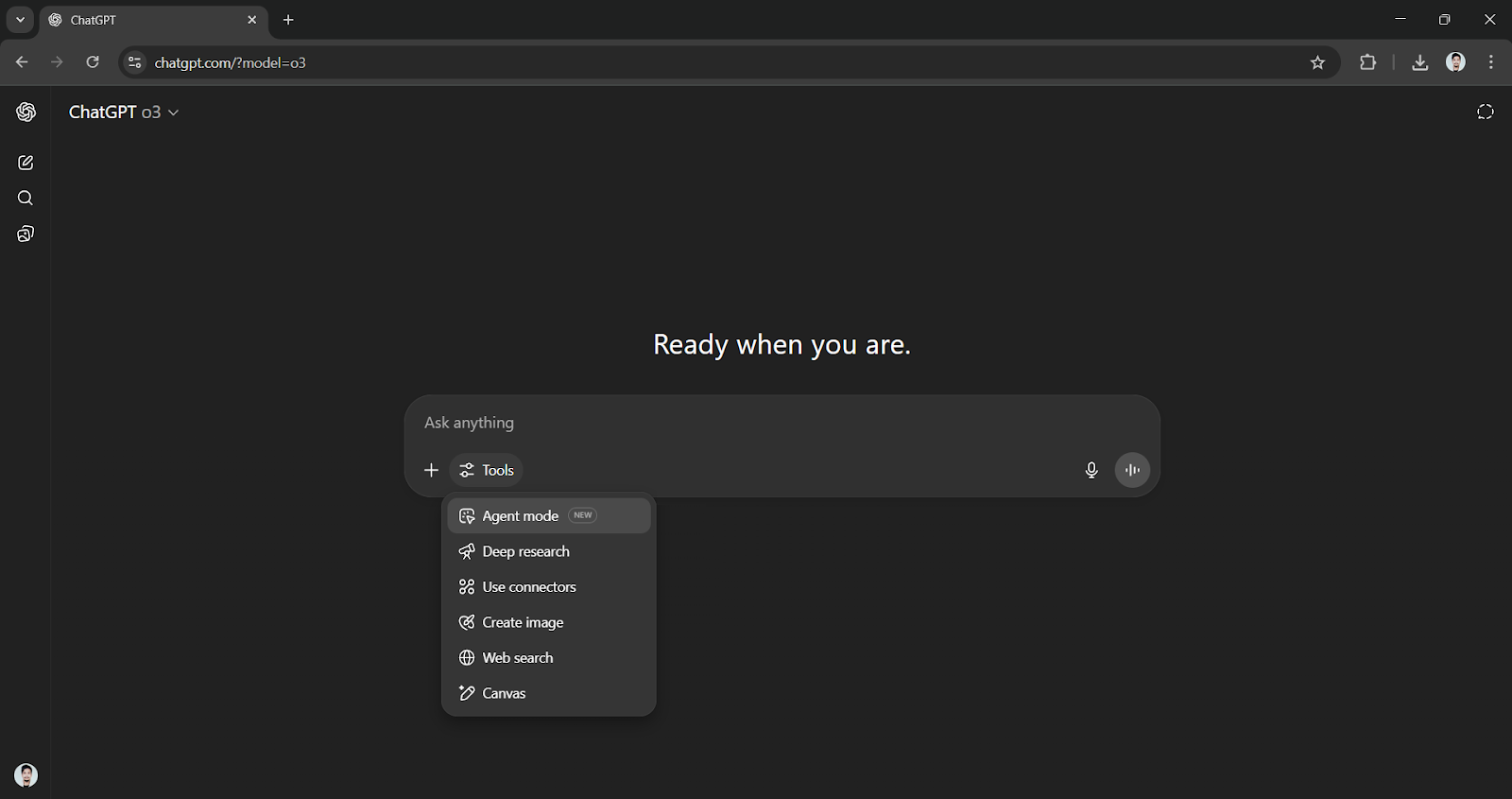
How to Make ChatGPT Agents
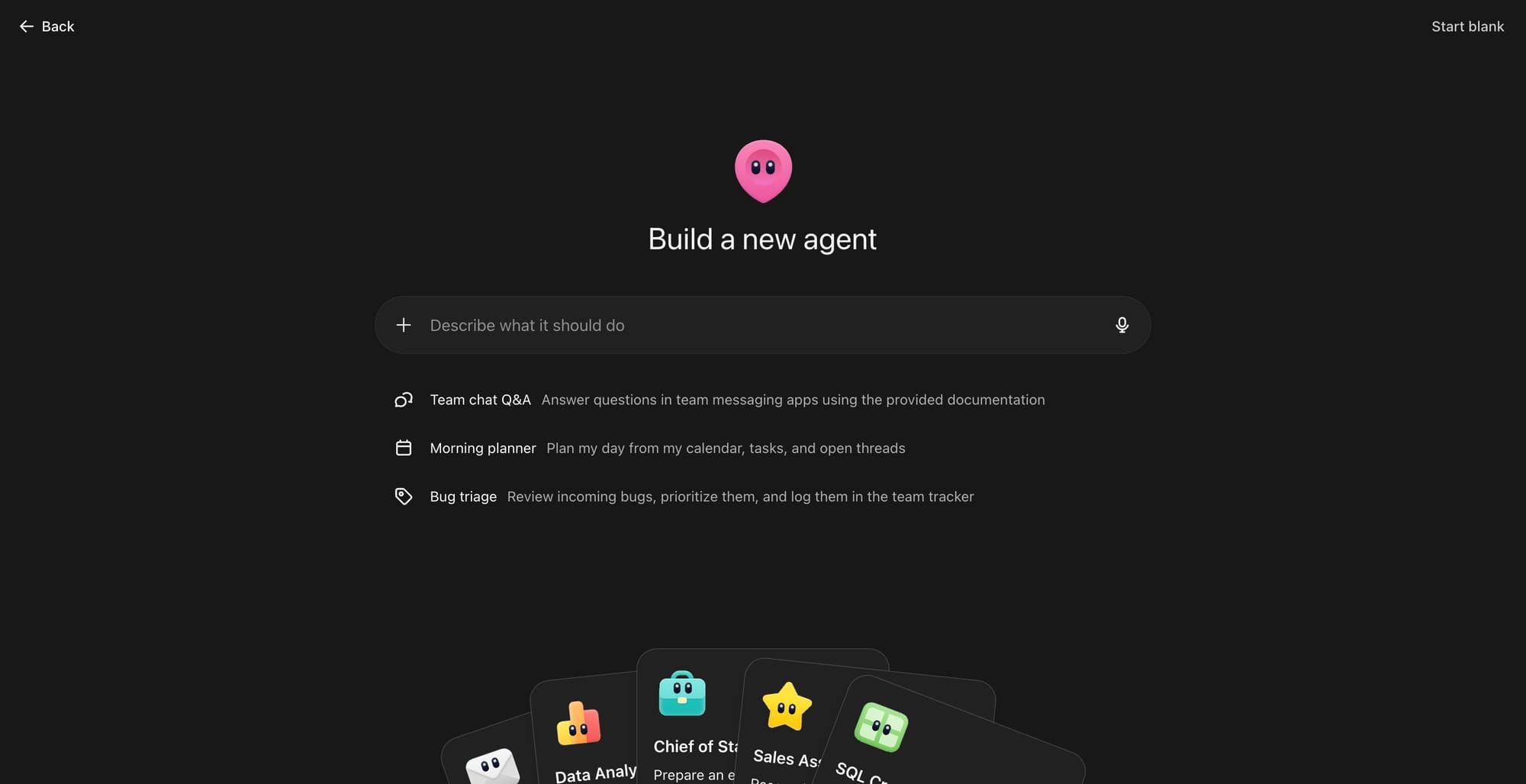
You can create Agents in ChatGPT via the ChatGPT UI (no-code) or the Assistants API (developer).
Method 1: Via ChatGPT Interface (No-Code)
- Go to chatgpt.com and log into a Plus, Team, or Enterprise account
- Click Explore GPTs → Create
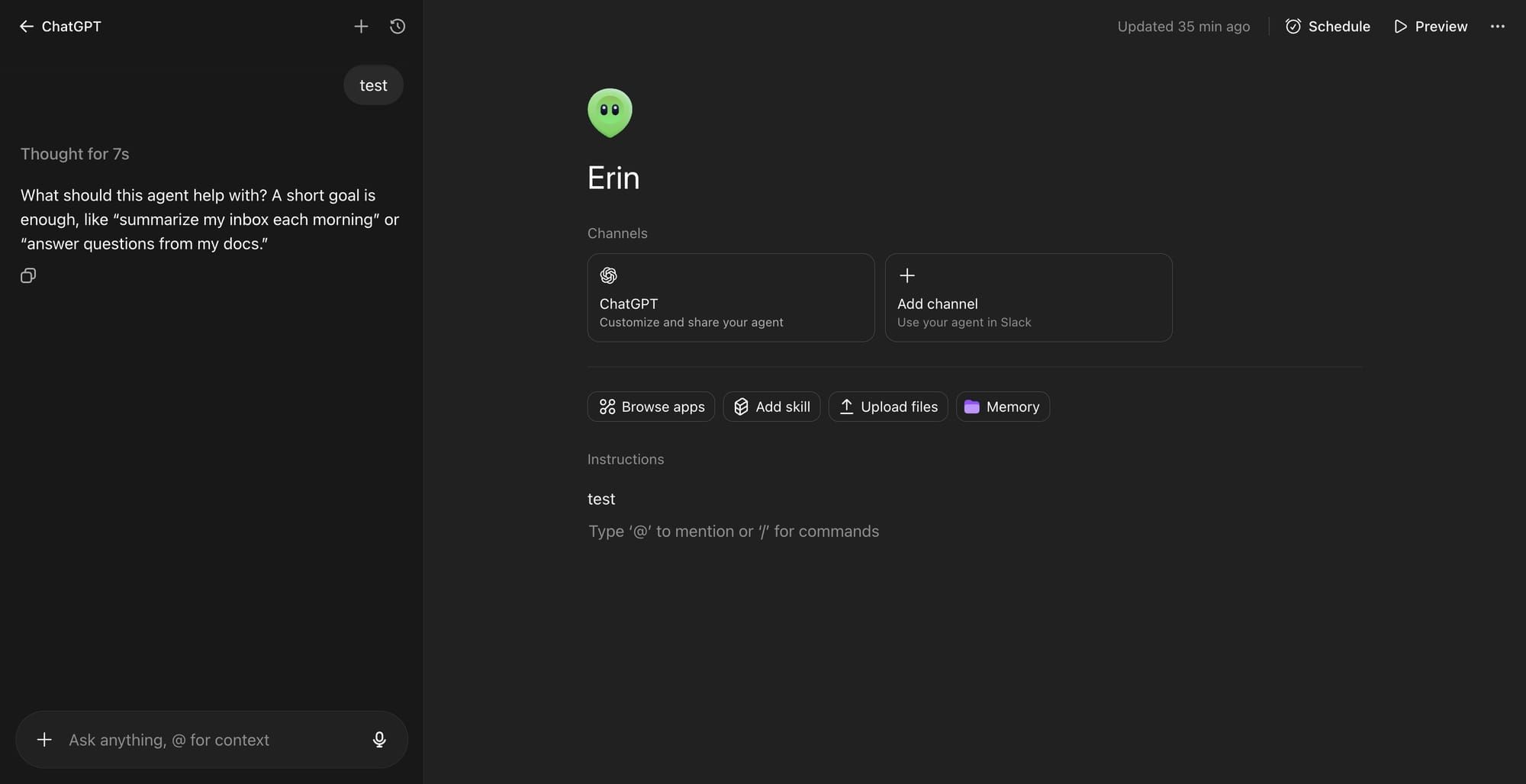
- Use the GPT Builder to define:
- Name and description
- Instructions (system prompt)
- Enabled tools (Web Search, Code Interpreter, DALL·E, etc.)
- Knowledge files (upload PDFs, docs, datasets)
- Set visibility: Only me, Anyone with link, or Public
- Click Save – your Agent is live
Method 2: Via Assistants API (Developer)
from openai import OpenAI
client = OpenAI()

assistant = client.beta.assistants.create(
  name="Research Agent",
  instructions="You are an AI that researches topics and returns structured summaries.",
  tools=[{"type": "code_interpreter"}, {"type": "file_search"}],
  model="gpt-4o"
)
Full API reference: OpenAI Assistants API
How to Edit ChatGPT Agents
Editing an existing Agent takes under 2 minutes.
Via ChatGPT UI:
- Go to My GPTs (top-right profile menu)
- Click the pencil icon next to the Agent you want to edit
- Modify instructions, tools, or knowledge base
- Click Update to save changes – no re-deployment needed
Via API:
client.beta.assistants.update(
  assistant_id="asst_abc123",
  instructions="Updated instructions here.",
  tools=[{"type": "code_interpreter"}]
)
Changes apply immediately to all new threads. Existing threads are unaffected.
Claude is Also in the Agents Race: What is Claude Console: How to BUILD Claude Managed Agents
ChatGPT Agents Use Cases
These are the highest-ROI applications being used in production today:
| Use Case | What the Agent Does | Best For |
|---|---|---|
| Research Automation | Browses web, compiles reports | Marketers, analysts |
| Data Processing | Reads CSV/Excel, runs analysis | Finance, operations |
| Customer Support | Answers FAQs using uploaded docs | SaaS, e-commerce |
| Code Review | Analyzes and debugs code files | Developers |
| Content Drafting | Generates drafts from briefs | Writers, agencies |
| Lead Qualification | Scores leads via form input | Sales teams |
A McKinsey report on AI automation found that 60–70% of work activities could be automated with current AI – agents are the practical execution layer for that shift.
Practical Example: Research Agent in Action
Set instructions as:
“Search the web for the top 5 competitors of [Company]. Return a table with: name, pricing, key features, and weaknesses.”
Result: A structured competitive analysis in under 60 seconds – no manual browsing.
Limitations to Know
- Context window cap: Agents in ChatGPT don’t retain memory across sessions unless you implement persistent threads via the API
- Tool access is plan-locked: Full tool access (web + code + files) requires Plus ($20/mo) or above
- No real-time action outside browser: Agents in ChatGPT can’t send emails or post to social directly without third-party integrations (e.g., via Zapier’s ChatGPT integration)
- Hallucination risk on live data: Always validate web-sourced outputs before using in decisions
Master Prompting for Best Results: How to Master Advanced Prompt Engineering: Chatting to AI
FAQ
Q: Are ChatGPT Agents free to use?
Basic GPTs are available on the free plan, but tool access (Code Interpreter, web browsing, file uploads) requires ChatGPT Plus or higher. API-based Agents are billed per token usage.
Q: What’s the difference between a GPT and a ChatGPT Agent?
A GPT is a customized version of ChatGPT with specific instructions. An Agent (via the Assistants API or full tool-enabled GPT) can take multi-step autonomous actions – not just respond, but execute tasks over time.
Q: How do I share a ChatGPT Agent with my team?
In GPT settings, set visibility to “Anyone with a link” or publish it to the GPT Store. For team-wide deployment, use ChatGPT Team or Enterprise plans which include shared workspaces.
Q: Can ChatGPT Agents access real-time data?
Yes – with the web browsing tool enabled, Agents can search and retrieve live information from the internet during a session.
Q: How do I delete or deactivate a ChatGPT Agent?
Go to My GPTs → click the three-dot menu next to the Agent → select Delete. For API Assistants: use client.beta.assistants.delete(assistant_id).
Conclusion
ChatGPT Agents turn a conversational AI into a task-executing system. The no-code builder makes them accessible in minutes; the API gives developers full control. The real leverage is in defining sharp, specific instructions – vague prompts produce vague agents. Start with one repeatable task, automate it fully, then expand.
Want more practical AI tool guides? Explore deep dives on automation, agents, and AI workflows at Our Blog – built for professionals who move fast.