You know the feeling. Twenty-five tabs are open. One is a PDF from 2018, three are “404 Not Found” errors, and the rest are academic jargon that will drive you insane. When you’re trying to write a research paper (or an amazing in-depth blog post), the “research” part takes up 90% of your time. Instead of writing, you’re drowning in knowledge. The succinct answer is: Perplexity for Research is the game-changer you’ve been waiting for.
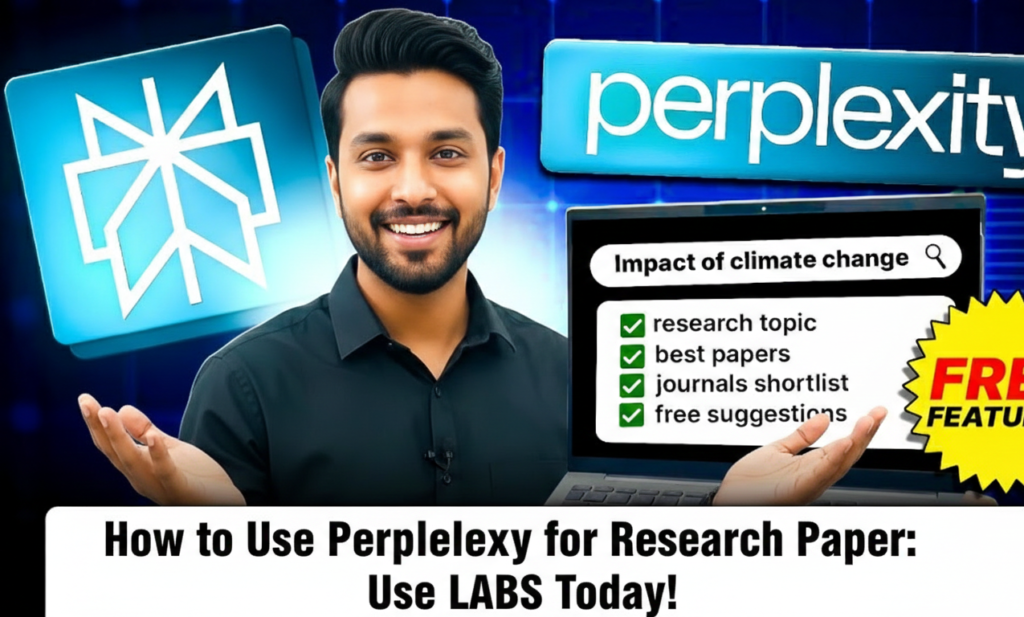
Why Perplexity for Research Is Becoming Essential in 2025–2026
Unlike standard search engines that show you a list of links, Perplexity is an answer engine. It reads the web for you, summarizes the information, and — most crucially for researchers — provides real-time, verifiable citations.
By using choices like Deep Research and Focus Modes, you may reduce your research time by half while increasing the accuracy of your article.
Scholars, content creators, and PhD candidates worldwide are rapidly adopting Perplexity for Research as their primary research companion.

Perplexity Deep Research → What Is It and Why Does It Matter?
Imagine having a personal research assistant who could read hundreds of sources in a couple of minutes, sort through the unrelated content, and produce a summary report with citations for every fact.
That’s exactly what Perplexity Deep Research delivers.
The recently added feature turns the platform from a “smart search engine” into a “reasoning engine.” When you pose a complex question, it:
- Iterates — performs several searches instead of just one
- Reasons — reads documents and decides what to look for next
- Reports — puts everything together into a comprehensive report (exportable in PDF or Markdown)
Conclusion: When writing a thesis, white paper, or in-depth essay, Perplexity Deep Research is your new best friend.
Find what’s fit you:
How to Use Perplexity for Research → Step-by-Step Academic Workflow
Using Perplexity requires more than just entering a query. To get results that are actually helpful for a research report, you need a smart strategy.
Here is the workflow most serious academic users follow:
1. Always Start with Focus Mode Selection
Perplexity can alter where it looks for information using Focus Modes.
The most powerful choices for academic work:
- Academic mode → restricts searches to published academic publications (eliminates random blogs & forums)
- Writing mode → excellent for refining drafts or creating detailed outlines
- Wolfram | Alpha mode → ideal when your research contains heavy mathematical or computational elements

2. Master the “Onion” Layered Prompting Technique
Start broad → then go progressively deeper.
Recommended layering sequence:
- Layer 1 (Broad) → “What are the current trends in [your topic]?”
- Layer 2 (Specific) → “Compare the methodology of Source A vs Source B regarding [your topic]”
- Layer 3 (The Gap) → “What are the criticisms or limitations of the current research on [your topic]?”
Finding the research gap remains one of the most important elements of high-quality academic papers.
3. Citation Verification – Perplexity’s Biggest Advantage
Each factual claim usually comes with a small clickable number.
Always:
- Verify the source is trustworthy (reputable journal, .edu domain, recognized institution)
- If anything looks questionable → simply ask: “find a better source for this claim”
This single habit separates average papers from excellent ones.
See The Battle Between the Gaints:

How to Write Research Papers Using Perplexity → Expert-Level Techniques
Advanced Features That Make Literature Reviews Painless
- Living real-time answers → unlike static databases, Perplexity pulls from the current web
- PDF Analysis (File Uploads) → upload a 50-page paper and ask: “Summarize the methodology and list the three main limitations”
- Collections → group your threads like folders for different chapters/sections of your research paper
These features alone make How to use Perplexity for Research one of the most frequently searched academic queries in 2025–2026.
Growth Strategies → Write Like an Expert (Not a Robot)
- The “Hook” Method
Prompt example:
“Write three different opening paragraphs for a paper on [Topic]. One should start with a question, one with an unexpected statistic, and one with a direct declaration.” - Smart Formatting with Perplexity
Ask for:
“Create a table comparing the pricing and features of the top 5 AI tools for business in 2025” - Listen to the Academic Conversation
Powerful prompt:
“What questions are researchers asking about [Topic] that haven’t been fully answered yet?”

Perplexity Labs → The Next Frontier for Serious Researchers
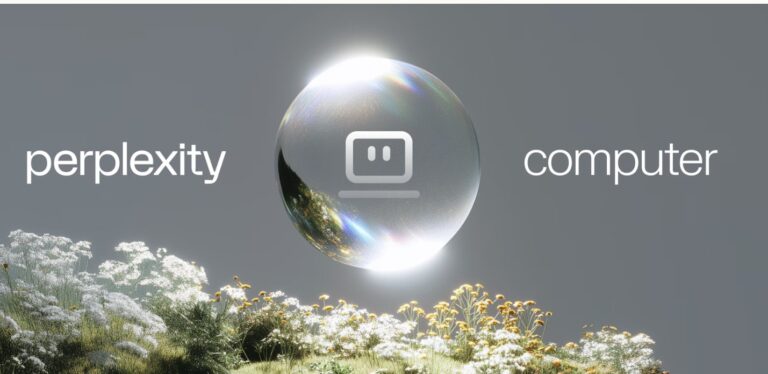
Perplexity Labs is where experimental models and cutting-edge research features usually appear first.
Many power users now consider Perplexity Labs for Research the secret advantage for staying 3–6 months ahead of mainstream academic AI usage.
If you’re writing papers that must demonstrate novelty or very recent awareness — Perplexity Labs deserves a regular visit.
Go Deep into Perplexity Labs:
Recommended 2025–2026 Research Stack (SaaS Comparison)
A modern serious researcher rarely uses only one tool.
Powerful complementary combinations:
- Perplexity for Research + Tactiq (interview transcription & qualitative analysis)
- Perplexity for Research + Yomu AI (academic-specific writing assistance)
- Perplexity Labs for Research + NotebookLM (beautiful organization & audio summaries)
The winning workflow in 2025–2026: heavy research lifting with How to use Perplexity for Research → polishing & structuring with specialized writing tools.

Stop Searching, Start Thinking → Final Call
Research should not feel like punishment.
With Perplexity for Research and Perplexity Labs, you can finally spend most of your time thinking, connecting ideas, and building strong arguments — instead of endlessly hunting PDFs.
Ready to level up?
- Go to Perplexity.ai
- Switch to Academic Focus Mode
- Enter your thesis/research question
- Try Deep Research on your most complex section
- Visit Perplexity Labs for tomorrow’s features today
Have you already started using Perplexity for Reaserch?
Drop a comment below and send this to a colleague/friend who is still drowning in 37 tabs! 🚀📚
See More Awesome Blog Posts like this in Our Blog.