Released in December 2025, ChatGPT 5.2 marks the transition from “chatbot” to “agent.” ChatGPT 5.2 can actively browse, reason, and chain tools together to finish complex workflows, in contrast to earlier versions that only provided text. For content creators, this means that it can do more than just compose a draft; in a single prompt, it can conduct topic research, assess competitive gaps, and format the finished product for Answer-First SEO. That’swhy ChatGPT 5.2 for Content Creators is a blessing.
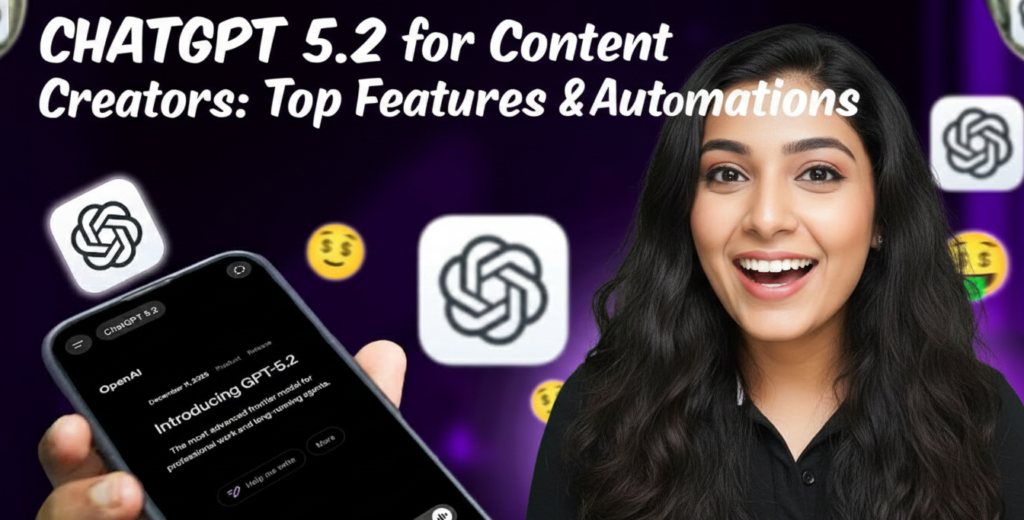
This guide is for you if you’re prepared to quit “chatting” with AI and begin “managing” it in order to save more than twenty hours a week. We’re delving deeply into the ChatGPT 5.2 Features that are crucial to your development.
Your New Research Helper→ The “Deep Research” Agent
Do you recall the days when you had to open fifteen tabs just to verify a single statistic? With its specialized “Deep Research” feature, ChatGPT 5.2 for Content Creators transforms the game.
The Deep Research agent is built for multi-step verification, in contrast to the conventional browsing of the past. It does more than simply select the first Google result. It reads, summarizes, and—most importantly—cites reliable sources.
How It Benefits You:
- 🎯 Scale Fact-Checking: Request that it “Find 5 recent statistics on AI tools for business growth in the US, citing only reports from 2025-2026.”
- 📌 Analyze competitors by giving it a URL and posing the question, “What topics is this creator covering that I am missing?”
- 🚀 Literature Reviews: It may examine scholarly articles or whitepapers and highlight the most important conclusions that are pertinent to your field.
Why It Matters: Your currency is authenticity. Audiences want reliable information, as Google’s own creator guides indicate. By using ChatGPT for Research, you may be sure that your information is supported by facts rather than conjecture.
Use the instruction “Act as a research assistant” as a pro tip. Examine [Topic] in detail. List three subtopics with strong search volume but little competition, and provide two academic sources for each.”

Learn to Make AI Agents and Automate Tasks:
The 256k Context Window→ Automatically Repurposing Content
The enormous 256k token context window is one of ChatGPT 5.2’s most underappreciated features. That is around the size of a 500-page book, to put things into perspective.
This resolves the “fragmented memory” problem for creators. You can now upload your YouTube transcripts, your previous 50 blog entries, and your whole brand voice guide all in one session.
The “Brand Halo” Approach:
This is known as the “Brand Halo” effect, according to TechWyse. You can make sure that every new piece sounds just like you, not a robot, by feeding the AI your prior work.
Try This Process:
- Upload: A transcript of your favorite video along with your top three best-performing articles.
- Prompt: “Evaluate my humor, tone, and sentence construction. Now, use my unique voice to rework this boring industry news update.”
The end result is ChatGPT for content creation that genuinely honors your individual style.
Have you attempted to upload your brand style guide yet? If not, you’re losing out on 2026’s simplest consistency trick.

Agentic Workflows→ Real-World ChatGPT to automate task
In this regard, ChatGPT 5.2 surpasses GPT-4. “Generative AI” is giving way to “Agentic AI.” This indicates that the model is capable of using tools on its own to complete tasks.
ChatGPT to automate task takes care of the chain instead of asking for an outline, a draft, and an image.
The “One-Shot” Blog Post, for instance
One complicated command can be given: “Look into the most recent developments in SaaS “Subscription pricing techniques.” Compose a 1,500-word piece using H2s. Next, create a DALL-E 3 banner image that complements the style. Lastly, export the social media captions and meta description.”
ChatGPT 5.2 will
- 🎯 Look up trends for 2026 online.
- 📌 Compose the content.
- Self-correct to make sure it satisfies the user’s goal by applying its “Code Red” internal reasoning.
- Make the visual resource.
For creators, this is the ultimate automation tool. It gives you more time to concentrate on the human aspect of things, such as responding to comments and fostering a sense of community.
Answer-First Formatting→ 2026 SEO
In 2026, search engines have changed. Google is searching for “Answer-First” content, which is succinct, straightforward responses at the top of your page that instantly satisfy the user.
This is how ChatGPT 5.2 is trained to organize content. Semantic clarity is understood by it.
How to Use It: During the drafting process, instruct ChatGPT to: “Draft an intro that answers the query ‘Best design tools 2025’ in the first 2 sentences.”
“Create a summary table comparing these tools by price, pros, and cons.”
The SEO Benefit: You raise your chances of appearing in AI Overviews and snippets by organizing your content for Answer-First. This is exactly in line with the “Answer Engine” trend that we are witnessing on the internet.

Choose your Fit:
The Ultimate Analytics Analyst→ Multimodal Vision
Give up feeling perplexed while gazing at Google Analytics spreadsheets. Compared to earlier models, ChatGPT 5.2’s vision capabilities are 80% more precise.
You can ask, “Analyze this drop in traffic,” after taking a snapshot of your YouTube Studio dashboard or your blog’s traffic report and pasting it into the chat. What content topic should I switch to next week based on the metrics?
Innovative Applications:
- 📌 Provide a screenshot of your landing page for a design critique. “Roast this design,” you ask. How can I increase my “Sell digital templates online” offer’s conversion rate?
- 🎯 Trend Spotting: Request the prevalent visual patterns in screenshots of viral thumbnails in your domain.
Growth Strategy→ Combining “Human” Connection with AI
The “Google for Creators” team reminds us that, despite the strength of ChatGPT 5.2 for Content Creators, connection is paramount.
Avoid Being Lazy Due to AI:
- 🚀 Video is essential: AI can write the script, but you have to be on camera. To establish confidence, readers want to see your face and hear your voice.
- Community Involvement: Write responses to comments using ChatGPT, then modify them to add your own touch.
- The “Open Loop”: Make sure the payoff tale is based on your own experience, but use ChatGPT to create curiosity gaps (hooks) for your newsletters.
A blogger with more than 500,000 subscribers once said, “You don’t need fancy equipment, you need a human connection.” To free up your energy to be human, use AI writing assistants to undertake the tedious tasks.

Does AI Detector’s Detect’s your AI Written Content. Here’s the Solution:
Cost and Availability→ ChatGPT Go vs. Pro
OpenAI implemented tiered access with the 5.2 release to accommodate various creator requirements.
The mid-tier service, ChatGPT Go, costs about $5 per month. Ideal for independent contractors and smaller artists. You receive basic tools and the core 5.2 model.
ChatGPT Pro: The superpower ($200/month). Deep research, massive file uploads, and unrestricted access to the most potent reasoning models.
Enterprise: For organizations that want marketing tools with privacy protections for small company teams.
Which one is required? “Plus” or “Go” are probably sufficient if you are only writing blogs. The Pro plan is a self-sustaining business expense if you are developing SaaS comparison 2025 sites or performing extensive data research.
Conclusion
ChatGPT 5.2 is a junior employee, not merely a more intelligent chatbot. It is capable of planning, research, drafting, and analysis. However, keep in mind that the quality of the finest software for creators depends on the creator.
Your Plan of Action→
- 🚀 In your next blog post, test the “Deep Research” agent.
- To take advantage of the 256k context, upload your brand assets.
- To succeed in SEO, concentrate on Answer-First formatting.
The resources are available. Will you utilize them to produce “AI slop,” or will you use them to create a media empire?
Are you prepared to advance? See more awesome post in Our Blog.