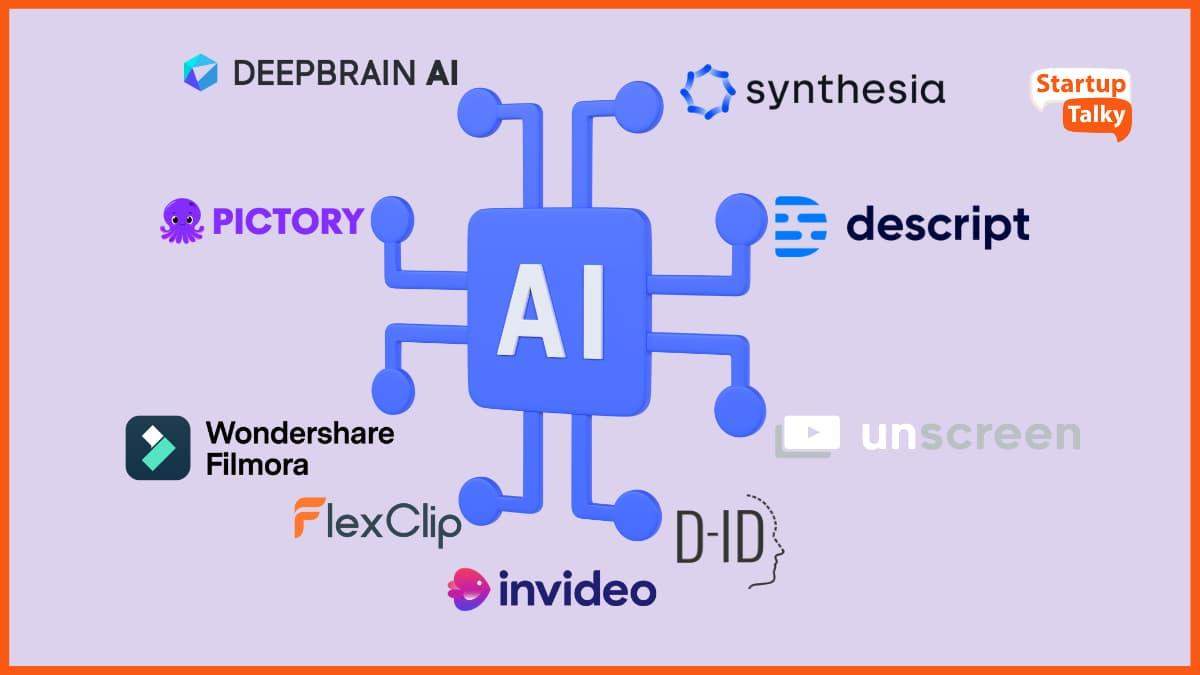
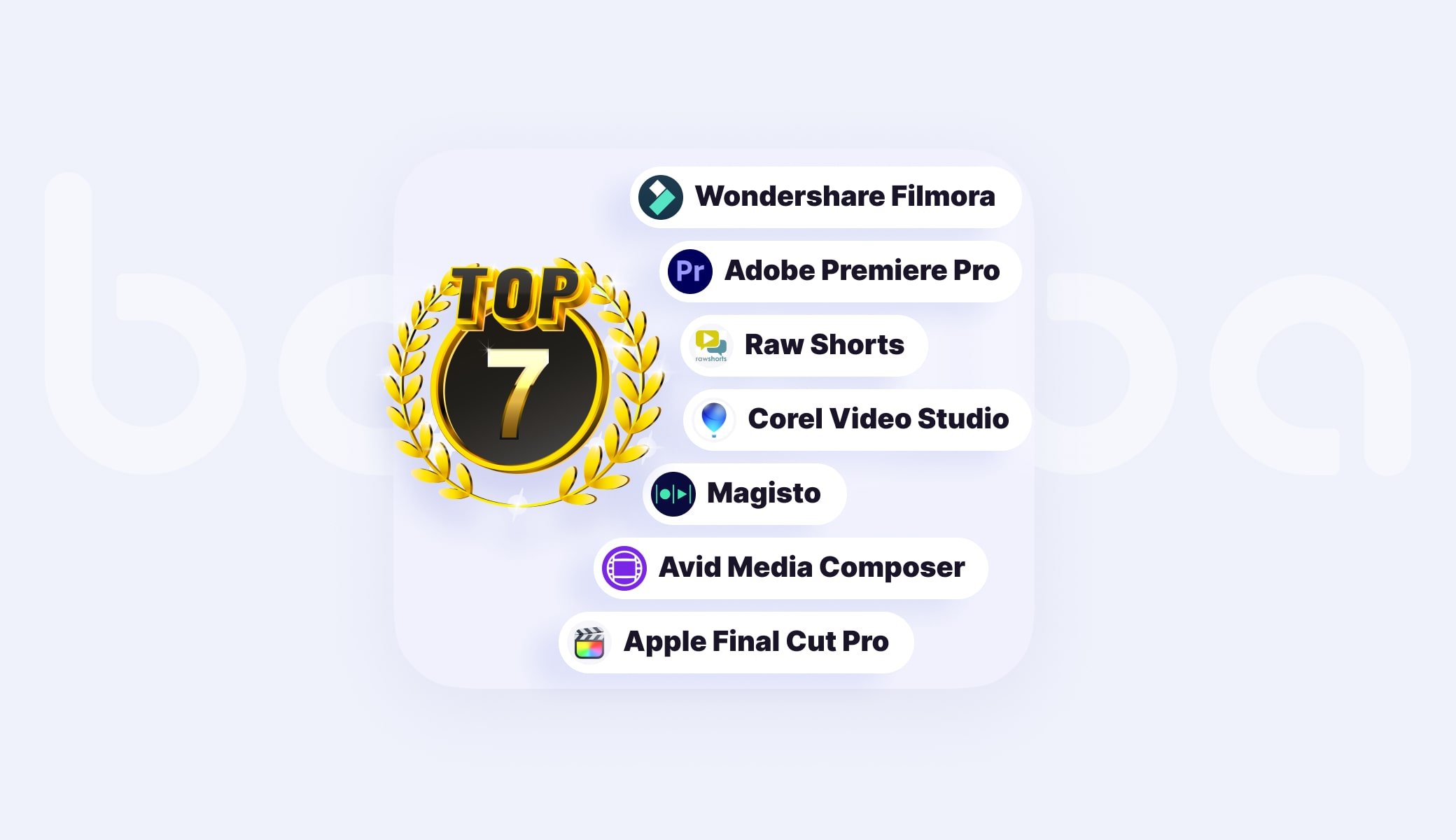
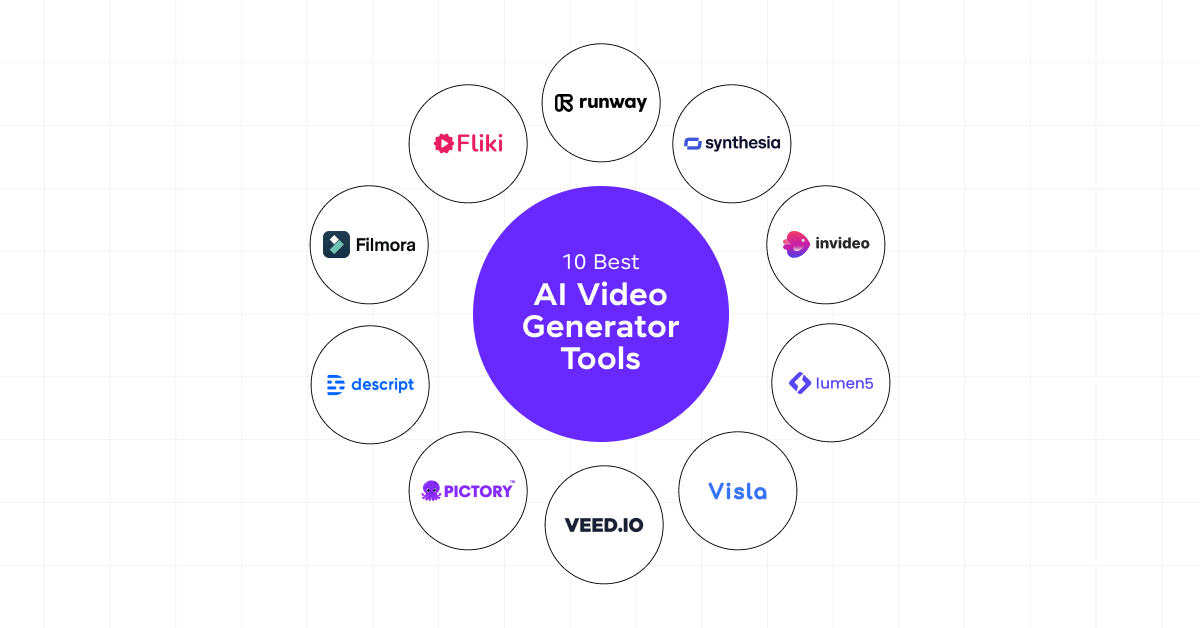
The Best Video Editing AI Tools in 2026 are Descript (for text-based narrative editing), Adobe Premiere Pro via Sensei/Firefly (for professional-grade AI workflows), Runway Gen-3 (for high-end generative b-roll), and CapCut Desktop (for viral-style social media automation).
The digital world is noisier than it has ever been in 2026. You are practically invisible if your material isn’t “sticky,” which is defined as grabbing attention in two seconds and holding it until the last frame. The “edit block” is a silent killer of progress, but with the correct silicon-based helpers, the solution isn’t working harder—rather, it’s working smarter.
Image → A skilled artist utilizing a multi-monitor setup with an elegant video editing interface and AI-generated motion graphics
The “Sticky” Factor → Why AI Will Not Be Negotiable in 2026
High engagement and low churn are characteristics of “sticky” material in the modern creative economy. Google’s Web Creator instructions reveal that audience engagement is now more about meaningful interactions and watch time than it is about likes.
Video Editing AI Tools do more than just trim video; they also evaluate sentiment, recommend “hook” moments, and automate tedious tasks so you can concentrate on delivering stories. You can install digital marketing automation technologies that keep your production pipeline running while you sleep by using Video Editing AI Tools.
Conclusion → You are competing with one hand tied behind your back if you aren’t utilizing the Best AI for Video Editing to improve your visual storytelling. Do your videos capture viewers’ attention or are they just digital noise?

Top Video Editing AI Tools Comparison → 2026 SaaS Breakdown
Selecting the appropriate AI Video Tool is a crucial choice for your company. The top software as a service options in the video market are broken down here.
Descript → The King of Narrative Workflow
By making editing as simple as editing a Word document, Descript transformed the editing process. By 2026, its “Underlord” AI features will be the industry standard for AI writing assistants that incorporate video.
📌 Key Feature → “Studio Sound” makes a $50 microphone sound like a $1,000 setup by eliminating background noise.
📌 Sticky Factor → Long-form content’s most viral moments are automatically identified by the “Social Clip” generator.
📌 Pricing → Competitive subscription pricing techniques, with a free tier and a Pro tier that costs more than $30 per month.
Oraganize your Task Automatically:
Adobe Premiere Pro → Firefly & Generative Extend
Adobe continues to be the industry leader for professionals in need of the top design tools for 2025 and 2026.
📌 Key Feature → “Generative Extend” lets you add frames to the start or finish of a clip when there was no footage.
📌 Sticky Factor → After Effects’ seamless integration of graphic design software tools for premium motion graphics.
📌 Pro Tip → You may instantly match the cinematic grade of any reference image by using the “Text-to-Color” tool.
Runway Gen-3 → The Powerhouse of Generation
Runway is where you go when you need B-roll that doesn’t exist. Runway, a pioneer in content production software, enables producers to produce lifelike videos using straightforward text prompts.
📌 Ideal For → Creative workers that require specialized, abstract, or high-end B-roll without a camera crew.
📌 SaaS Advantage → Quick cloud storage software integration for teamwork.
Are you trying to create completely new visuals from scratch, or are you trying to expedite your current workflow?
Google Creators’ Advice → Increasing Your Audience
Growth is a result of value and consistency, according to Google’s four recommendations for bloggers and producers. How to incorporate those lessons into your video strategy is as follows:
🎯 Discover Your Area of Expertise → Don’t only mimic others with an AI Video Tool. Make use of it to enhance your distinct voice. Data-driven choices are crucial, as demonstrated by the lessons learned from successful bloggers. To determine which AI-edited segments perform the best, use analytics software.
📌 Optimize for Discoverability → Clicks are the first step toward stickiness. Before you begin writing your script, use an SEO tool review to identify keywords.
🚀 Put Quality Above Quantity → Although authors can produce more because to automated tools, Google’s 2026 algorithms will prioritize “Helpful Content.” Make sure the movie doesn’t seem robotic due to your AI tweaks.
Image → An infographic illustrating how human creativity, audience engagement, and AI efficiency intersect.
Earn Real Income:
Sophisticated “Sticky” Strategies → Making Every Second Matter
Your pacing needs to be precise in order to keep a US-based audience interested. The productivity software review shortcuts for video are as follows:
📌 Auto-Reframe → For TikTok and Shorts, use AI to automatically convert 16:9 4K footage into 9:16 vertical segments. For small business owners who must be present on all platforms, this is crucial for marketing software.
🎯 AI Eye Contact → When reading a script, programs like Captions.ai or Descript can discreetly change your pupils to make you stare at the camera. “Trust” (a component of E-E-A-T) rises as a result.
🚀 Dynamic Captions → In public, people view videos on silent. The greatest software for producers now requires AI-generated, animated captions; they are no longer optional.
For additional advice on digital expansion, see our guide on Optimizing Your Content Strategy.
Making Money from Your Skills → Going Beyond Editing
You can make video editing a successful business if you become proficient with these high-paying freelance tools.
📌 Sell Digital Templates Online → Produce AI-enhanced CapCut templates or Premiere Pro presets and promote them.
📌 Ideas for Premium Digital Products → Provide “AI Transformation” services, which involve employing contemporary Video Editing AI Tools to “stick-ify” outdated, dull corporate videos.
📌 Business Growth Software → Use solutions like HeyGen to send customized video messages to high-ticket leads by reviewing information from email marketing platforms.
Image → A digital storefront mockup offering creative presets and video templates.
The 2026 Workflow → A Comprehensive Guide
Use this efficient workflow to make sure you are utilizing the Best AI for Video Editing:
- Scripting → Write a script with lots of hooks using AI writing assistants.
- Recording → Concentrate on your performance rather than worrying about errors.
- Rough Cut → To remove “umms,” “ahhs,” and quiet, just delete the text using Descript.
- Enhancement → To add generative features or tidy up the background, use Adobe Firefly.
- Engagement → Include music that automatically syncs to the beat and captions produced by AI.
- Distribution → Schedule your content for five platforms at once using digital marketing automation solutions.
Choose what’s Best for you:
SaaS Pricing Strategy and Comparison
You must consider the return on investment when purchasing online business tools.
| Tool | Primary Use | Estimated Monthly Cost (USD) |
|---|---|---|
| Descript | YouTubers and podcasters / text-based editing | $12–$30 |
| Adobe Premiere Pro | Production Film and High-End Ads | $20–$55 |
| InVideo AI | YouTube Automation / Small Businesses | $15–$48 |
| HeyGen | Corporate Training / AI Avatars | $24–$72 |
Which of these resources is most affordable for you right now? To experience the “sticky” difference for yourself, start with a free trial of Descript or CapCut. 🚀
The Future, E-E-A-T, and Ethics
Transparency is the foundation of your authority as a creative worker. In 2026, labeling AI-generated material is mandatory on several platforms. Google recognizes content that offers an excellent user experience by adhering to SEO tools review requirements. Review your AI’s work at all times.
Pro Tip → Don’t let AI handle all of the work. 30% human spirit and 70% AI efficiency make up the “Sticky” element.
Conclusion → Your Route to Digital Expansion
The top Video Editing AI Tools in 2026 are meant to free you from the timeline, not to replace you. You may create a channel that attracts followers in addition to views by using automation tools for artists and concentrating on audience engagement tactics from professionals like those at Google.
Are you prepared to step up your artistic game? To keep ahead of the curve, check out our most recent reviews of analytics software products and site hosting for creative professionals at Zypa.in/blog.
Which aspect of video editing do you detest the most? We’ll tell you which AI to use for Video Editing can solve it if you let us know in the comments! 🚀